Screenshots
Explore the app interface
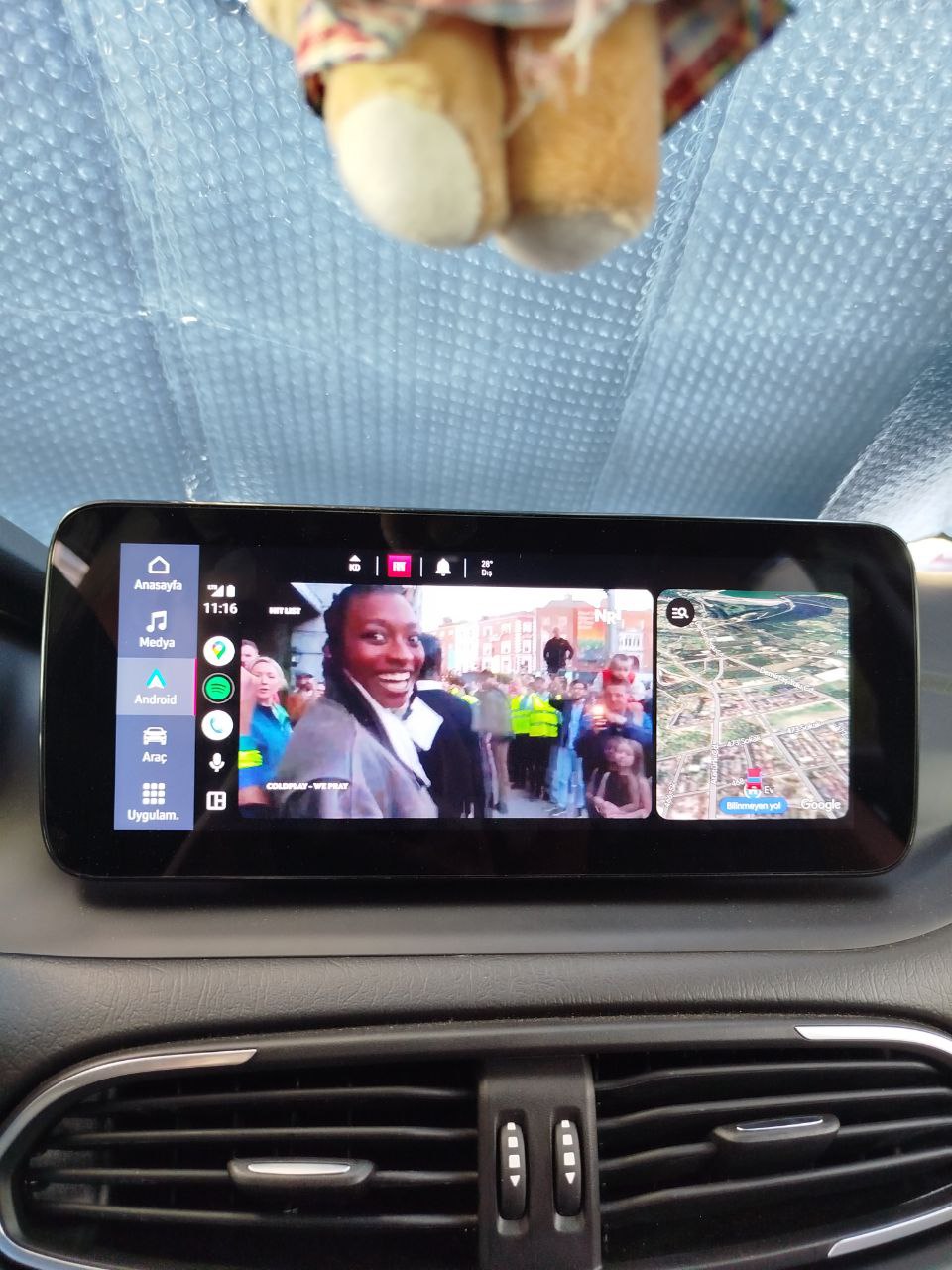
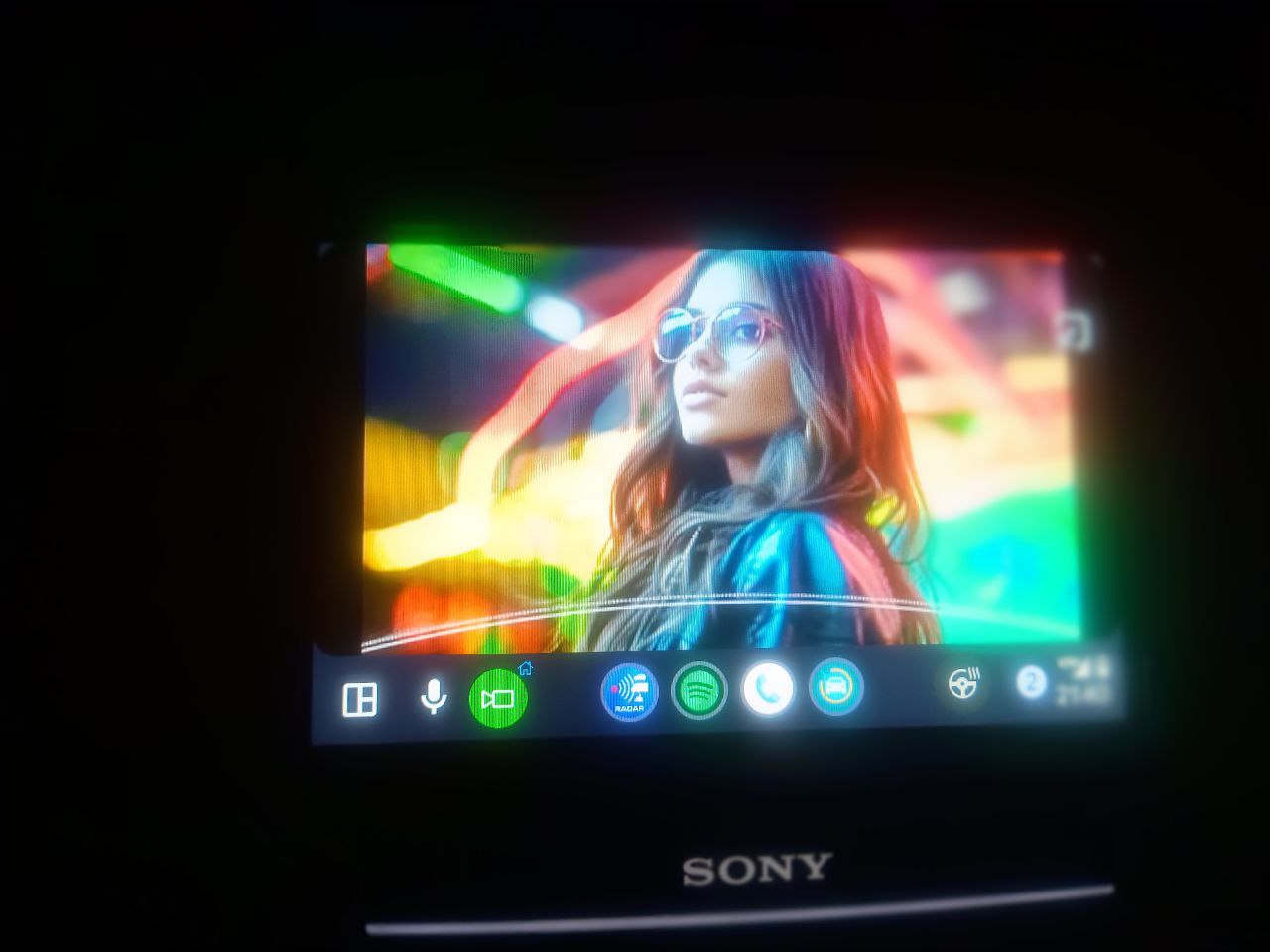
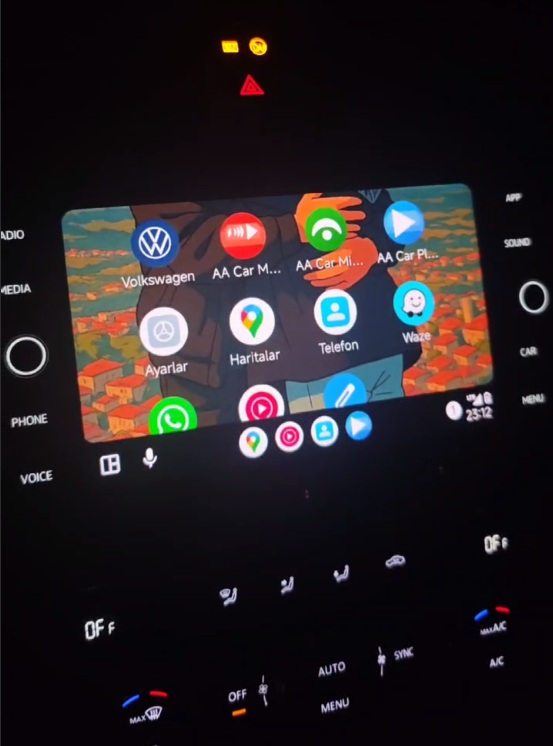
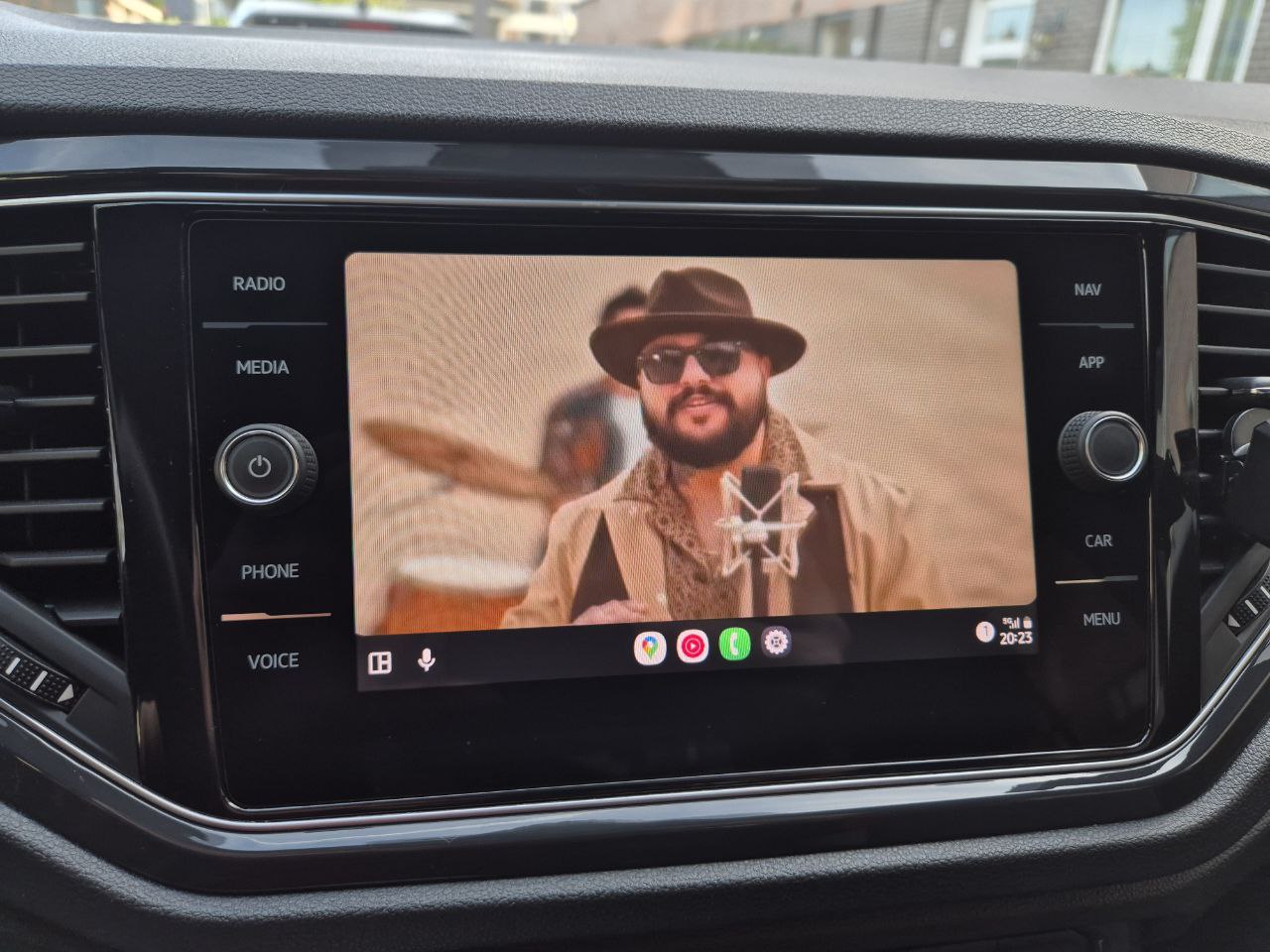
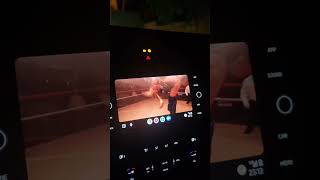
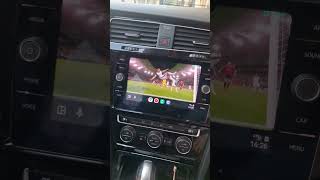
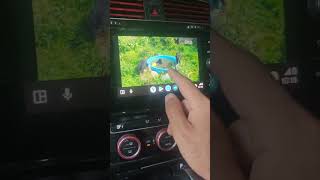
Seamless media experience in Android Auto. Play your local videos, online content and your own IPTV playlists
Enhance your Android Auto experience with AA Car Play Video
Works seamlessly on all devices with Android 5.0 and above. Wide compatibility guaranteed.
High-quality video playback feature with crystal clear image quality.
Watch online videos and playlists on your car display with a driver-friendly interface.
Watch your favorite TV channels live. Easily upload and manage M3U lists.
Supports MP4, AVI, MKV and more video formats. Watch all your videos.
Whether parked or in motion, your videos continue without interruption.
Get instant support and benefit from special campaigns in our 24/7 active Telegram group.
Explore the app interface
See how to use the app

Everything you need to know
A step-by-step guide to playing YouTube videos on your car's Android Auto screen with AA Car Play Video, for passengers and parked use. Works on Android 14, 15 and 16.
We tested the top wireless Android Auto adapters of 2026 — AAWireless Two, Motorola MA1, Carlinkit 5.0, and Ottocast — for connection stability, boot time, and video streaming performance. Here is which one to buy.
We tested all 5 ways to watch videos on Android Auto in 2026 — AA Car Play Video, Fermata Auto, CarStream, screen mirroring, and root. Here is what actually works on Android 14, 15, and 16, with step-by-step setup.

Enter your Google Play Store email to request a 1-day free trial. We will notify you by email when approved.
Enter the email address you use on Google Play Store.